Digital Art Printing
Once a digital piece of art has been created then it is time to print it. A few tweaks are required in my image editor of choice and that is GIMP.
Import the image into GIMP and perform the following to tweak the image so the printed image is as close to the digital image as possible:
- exposure : 1.3
- brightness-contrast : 10
- saturation : 1.24
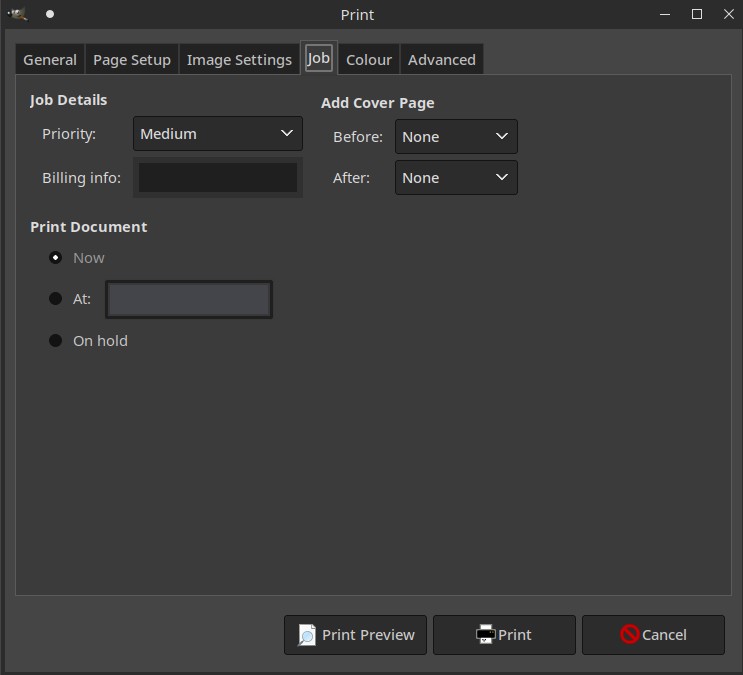
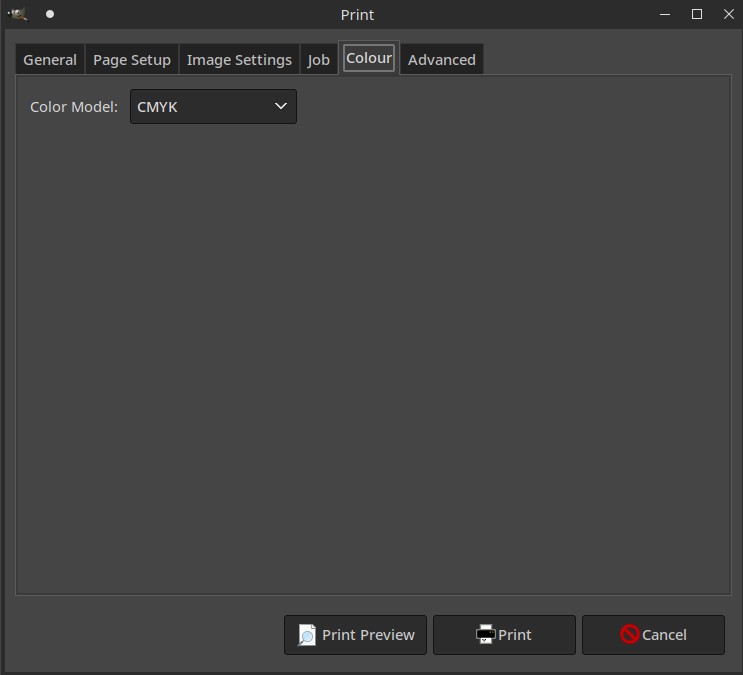
and now to print, here are the typical setting that will work:
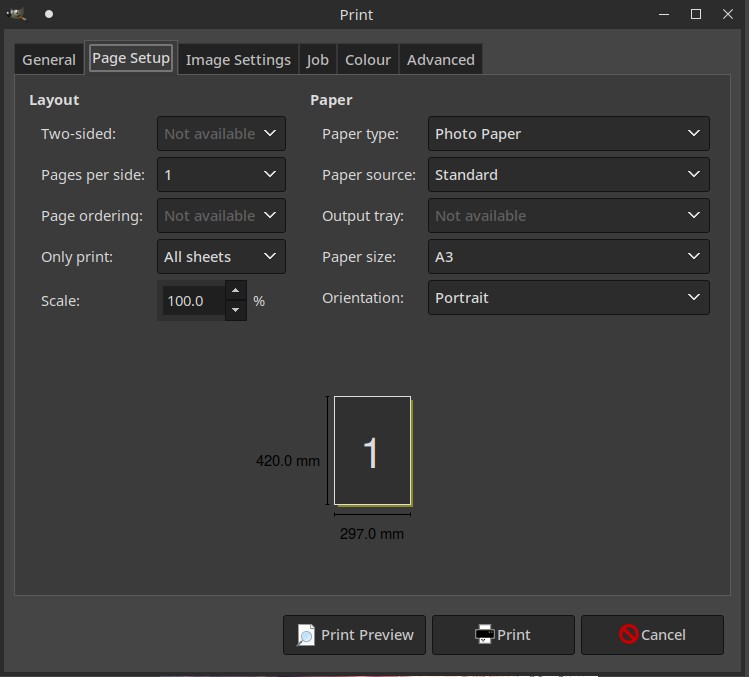
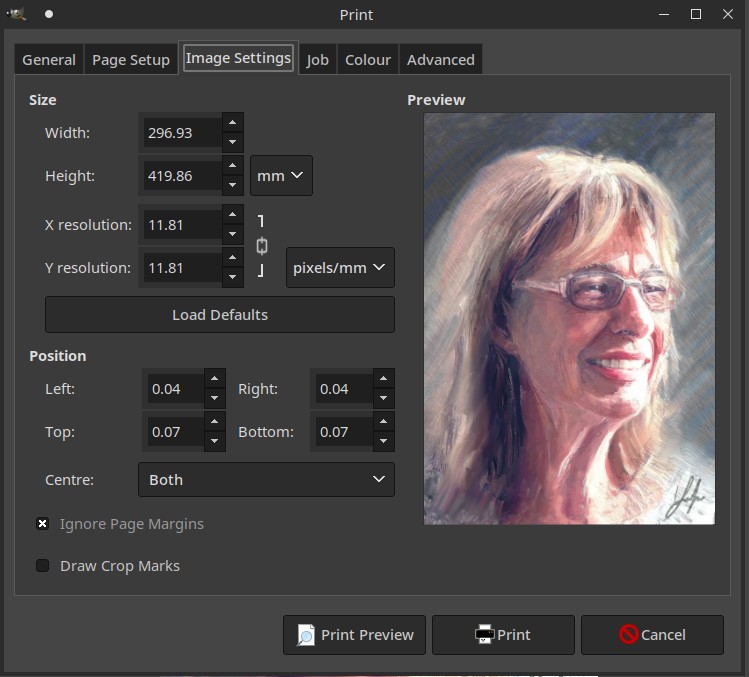
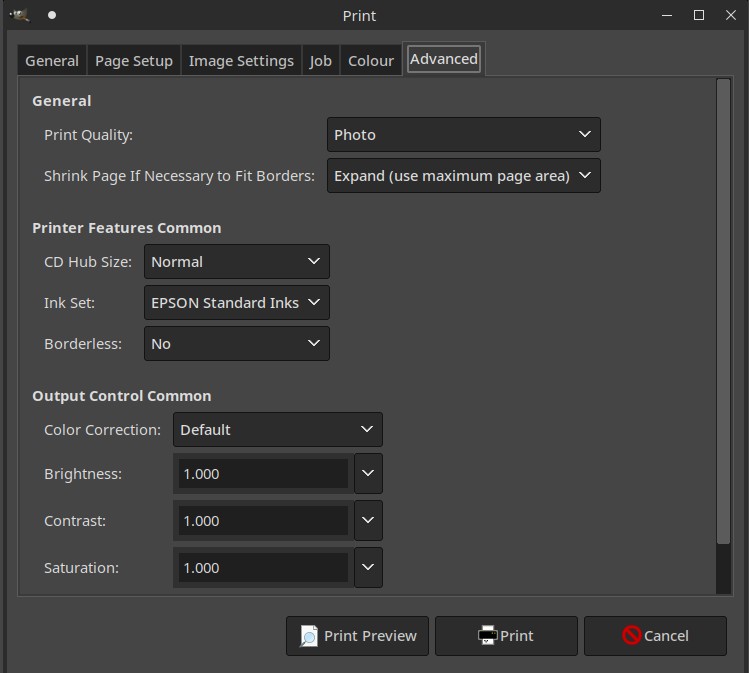
I tend to print on glossy photo paper these days but generally I think it is best to select Photo / Photo paper as these tend to produce the better results.